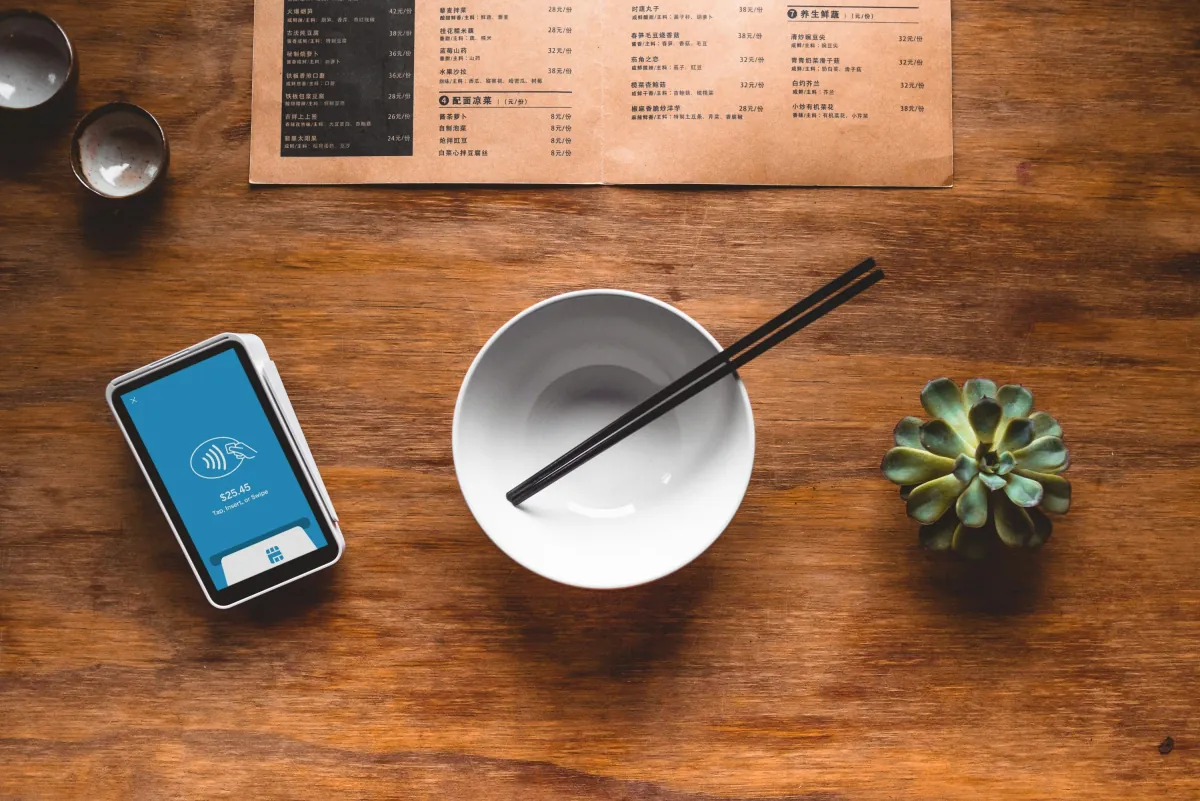
Think back to the last time you sat down at a restaurant in Tenerife. You probably scanned a QR, a PDF opened on your phone, you tried to read it by pinching to zoom, you got lost looking for the allergens, you picked a dish half-read, and you ended up ordering whatever you saw in a photo at the next table. That wasn't you — that was the menu.
The QR-to-PDF was a quick pandemic fix. It did its job at the time. If your menu is still that PDF, it may be costing you money every day. Here's what it gets wrong, what a well-built digital menu does instead, and why fixing it is cheaper than you think.
Why PDF on mobile breaks down
A PDF is designed for an A4 sheet. On a 6-inch screen the diner has to:
- Zoom in to read the dish names
- Pan the document to find the prices
- Scroll back to find the drinks section
- And if they're gluten-free or allergic to shellfish, scan every line for a tiny icon
The result is predictable: the diner gives up and picks quickly, questions to the waiter go up, and the high-margin dishes buried in the PDF get no airtime. The whole discipline of menu engineering starts from the fact that layout drives what people order. A PDF in zoom mode wipes all that engineering out.
What well-built digital menus actually do
This is not about an app. It's a simple web page — built mobile-first — where the menu reads like anything else you open on your phone. What changes:
- Readable without zoom. Typography sized for mobile, collapsible sections, clear navigation. No pinching.
- Language switch in one tap. In Spanish, English and German (German if you get German-speaking guests). No more guessing what "Atún encebollado" is.
- Allergens visible and filterable. It makes it much easier to comply with Spain's Royal Decree 126/2015 on food information, which requires information on the 14 allergens to be available and easily accessible. In PDF they are technically available but unreadable in practice.
- Photos where they earn their place. Not on everything — menus with photos on every dish look cheap. But a well-shot photo on your 4-5 hero dishes gets them noticed. Old restaurant wisdom: see, want, order.
- Updatable in seconds. Catch of the day went up — you change it from your phone while plating. No reprints, no PDFs out of sync across three folders.
What the allergen rules actually say, in plain words
This isn't legal advice, but it helps to know where the obligation comes from. EU Regulation 1169/2011 requires information on ingredients that cause allergies or intolerances, including for food served unpackaged, like a restaurant's (Article 44). Its Annex II lists the 14 groups:
- Cereals containing gluten
- Crustaceans
- Eggs
- Fish
- Peanuts
- Soybeans
- Milk and dairy (including lactose)
- Tree nuts (almonds, hazelnuts, walnuts, cashews, pistachios...)
- Celery
- Mustard
- Sesame
- Sulphur dioxide and sulphites (above 10 mg/kg or 10 mg/litre)
- Lupin
- Molluscs
In Spain, Royal Decree 126/2015 sets out how that information is given for unpackaged food. What matters for a restaurant:
- Allergen information must be available and easily accessible (Article 6.1).
- It can be given verbally, but only if it's recorded in writing or electronically on the premises, accessible to staff, inspectors and any diner who asks (Article 6.5).
- In that case there must be a visible, legible notice saying where the information is, or that diners can ask staff for it.
A digital menu with allergens for every dish is a very convenient way to keep that written record to hand, for your team and for diners. But making sure the data is correct is still on you: if you change a recipe or a sauce supplier, update the menu that day. If you're unsure about your specific case, check with your gestoría or the health authority.
"But I also have a paper menu"
Good. Paper still matters, especially for older locals. A digital menu does not replace paper — it replaces the bad PDF behind the QR. Your paper menu stays on the table, the digital one is what the QR-scanning diner sees, and the two are in sync because you manage them in one place.
"This needs a whole new website"
Not necessarily. Your restaurant can have its normal website plus a digital menu with its own QR. Or no website and just the menu — for many restaurants, a menu + a well-kept Google Business profile is enough. What matters is that the digital menu is fast, on your domain or one you control, multilingual, with allergens, and editable by you.
I deliver this kind of menu as a one-off service (in Spanish) — fixed price, delivered in 5-7 business days, no monthly plan. If you decide later you want a full restaurant website, we talk. I don't push anyone into a subscription for the sake of a decent menu.
How to move from PDF to a digital menu, step by step
You can do it yourself or hand it off, but the process is the same:
- Get the menu out of the PDF and into a spreadsheet. One row per dish: category, name, short description, price, allergens, and whether it gets a photo. That sheet is your single source of truth.
- Check allergens with the kitchen, dish by dish. Include sauces, stocks, batters and sides, which is where gluten, milk or celery tend to hide.
- Translate properly. A translation checked by someone who speaks the language, not an unchecked machine translation. For Canarian dishes, keep the original name and add a short explanation: "Papas arrugadas con mojo: small salt-crusted potatoes with Canarian mojo sauce".
- Organise it for mobile. Short, collapsible sections, the most-ordered items first, drinks easy to find, and prices aligned so they can be compared at a glance.
- Allergens with icons and text. Icons help scanning, but text is what everyone understands, including people using a screen reader.
- Publish it on your domain. Something like yourdomain.com/menu. If the QR points to a third-party service's site, you depend on it: if it changes its prices or shuts down, you reprint every QR.
- Point the QR at that fixed address and test it printed, in low light and from several phones, before you laminate it.
- Put text next to the QR in Spanish, English and German ("Carta y alérgenos / Menu and allergens / Speisekarte und Allergene") plus the written address, for people who'd rather not scan.
- Test it with someone who doesn't speak Spanish. If they can find a gluten-free dish and its price without asking you, it works.
- Link it from everywhere. From your website, from your Google profile (covered in the Google Business Profile guide) and as a /menu quick reply in WhatsApp Business (in the WhatsApp Business guide).
If you're also thinking about a full website, I sum up what it needs in web design for restaurants in Tenerife.
Hypothetical example: what a diner goes through with each menu
An invented example, for illustration. A German family sits down on a terrace in Puerto de la Cruz. One of the kids is coeliac.
With the PDF: they scan, a small-print Spanish document opens, they zoom, look for a symbol they can't interpret, and end up asking the waiter dish by dish, in the middle of the rush.
With the digital menu: they scan, pick German, see the dishes marked gluten-free with their prices, decide and order. The waiter only checks with the kitchen what they've already chosen.
I'm not going to give you a figure for how much more one earns than the other, because I don't have one. But the difference in time and stress, for the diner and for your floor staff, is plain to see.
Common mistakes when switching to a digital menu
- Making a prettier PDF. It's still a PDF: the problem is the format, not the design.
- Uploading the menu as a photo. A JPG has the same zoom problems, and its text can't be copied, translated by the browser or read by a screen reader.
- Unchecked machine translation. It shows, and a mistranslated allergen is a real risk.
- Different prices on paper, web and QR. With three versions, one ends up wrong. One source, and everything comes from it.
- Huge photos. A digital menu that loads slowly on 4G frustrates just like the PDF. Why every second counts is in web loading speed.
- Hiding the allergens. If you have to tap each dish to see them, at least say at the top that they're there and how to filter.
- Dropping the paper menu. For plenty of diners it's still the comfortable option.
Checklist for a digital menu that works
- Readable on a phone without zooming
- Spanish, English and German (or your diners' languages) in one tap
- Allergens from the 14 groups shown for every dish, in text
- Prices up to date and the same as on paper
- Loads fast on mobile data
- On your domain, with a QR that doesn't expire
- Linked from your website, your Google profile and your WhatsApp
- You can update it yourself from your phone
The test you can run today
Open your restaurant's menu on your personal phone — not the bar's iPad, your phone — and pretend you're a customer in a rush who is also keeping an eye on the kids. Can you read every price without zooming? Can you find the allergens in under 10 seconds? Can you switch to English? Does the page load in under 3 seconds?
The 3 seconds isn't a whim: Google reported that 53% of mobile visits are abandoned if a page takes longer than 3 seconds to load (Google, 2016).
If the answer to any of those is "no", you are leaving money on the table.
If you want to see what kinds of sites I build, take a look at the Plan Teide Esencial or Plan Teide Completo. If you only want the menu fixed and nothing else, that's in one-off services (in Spanish).
Frequently asked questions
Is putting allergens on the digital menu enough to comply?
It helps a lot, because it's written, accessible information that's easy to show. But what the rules require is that the information is correct and easily accessible to diners and, if you give it verbally, that it's recorded in writing and there's a visible notice. Check your own case with your gestoría or the health authority: I build the menu, I don't give legal advice.
What if nearly all your customers are locals?
Then language matters less, but everything else stays the same: reading without zooming, finding the allergens, prices up to date.
How often should I update it?
Every time a price, a dish or a recipe changes. That's exactly the advantage of a digital menu: a change takes a minute and nothing gets reprinted.
Do I need a website to have a digital menu?
No. It can live on its own, with its QR. My QR Menu + Landing (in Spanish) is exactly that: a simple page with the menu, bilingual (Spanish + English or Spanish + German), no monthly fee; hosting isn't included, so I set it up on your domain or hand you the files. If you also want table bookings, Plan Teide Esencial + Reservas includes a digital menu you update yourself.